
So, we went and built another thing. This time it’s a full project management tool designed specifically for production teams. It’s called ProductionPlanner.io and it’s available now.
Why we built it
If you’ve been doing production work for any amount of time, you know the drill. Your schedule is in a spreadsheet. Files get emailed around (or worse, sent in a group chat). Budgets live in yet another app. And important updates get buried under memes in the team WhatsApp group.
We’ve been there. A lot. And after years of juggling all these separate tools on productions, we figured it was time to just build the thing we wished existed. One place for everything.
What it does
ProductionPlanner.io covers the core stuff every production team deals with:
Scheduling
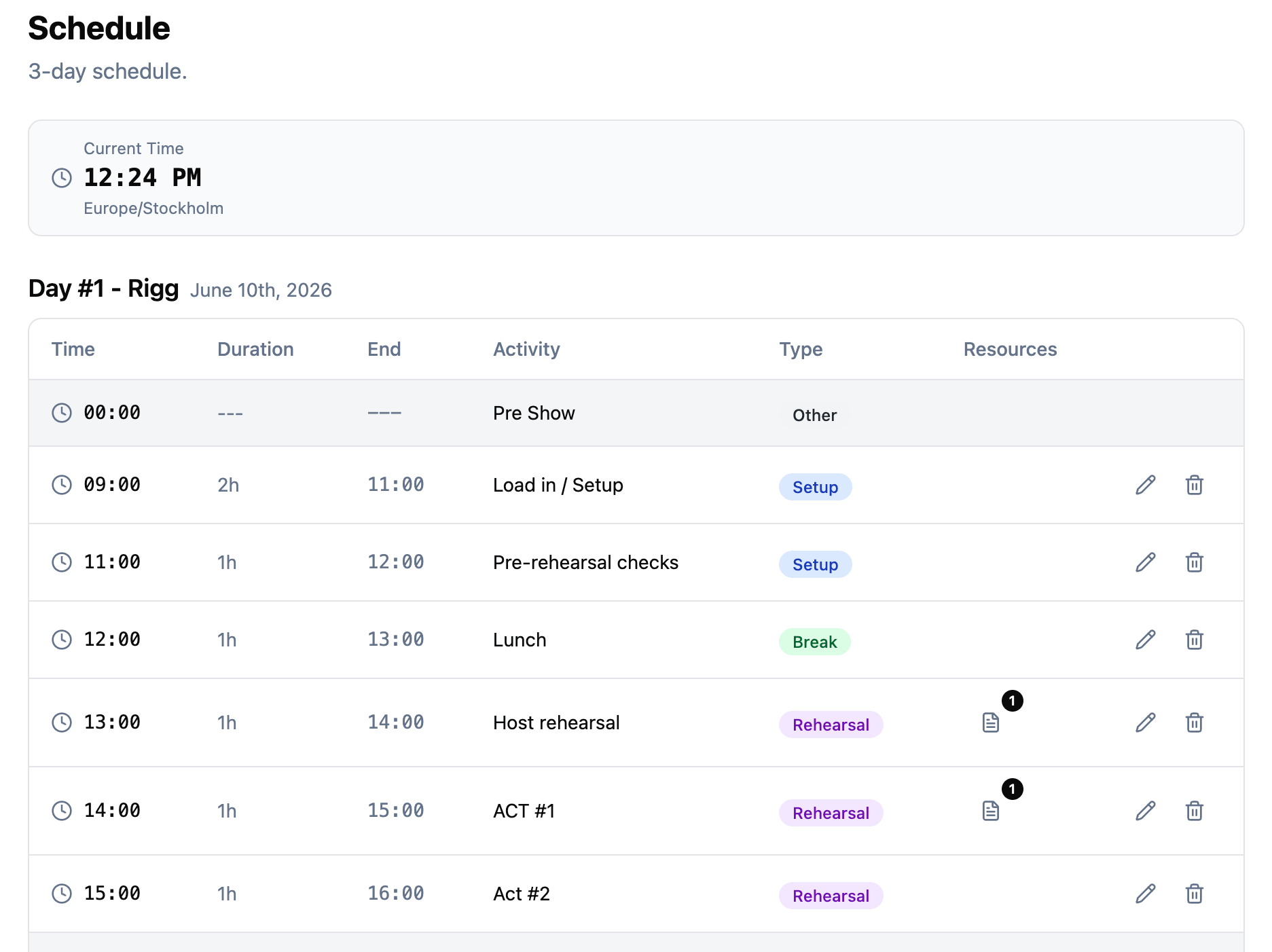
Build day-by-day schedules for your project. Each date gets its own timeline with timed items that you can categorize as setup, rehearsal, break, show, breakout, or whatever you need. If your event has multiple rooms or tracks running at the same time, breakout sessions handle that nicely, showing parallel activities together in a single block.
All times are timezone-aware too, so your team always sees the right times no matter where they are.
Team and permissions
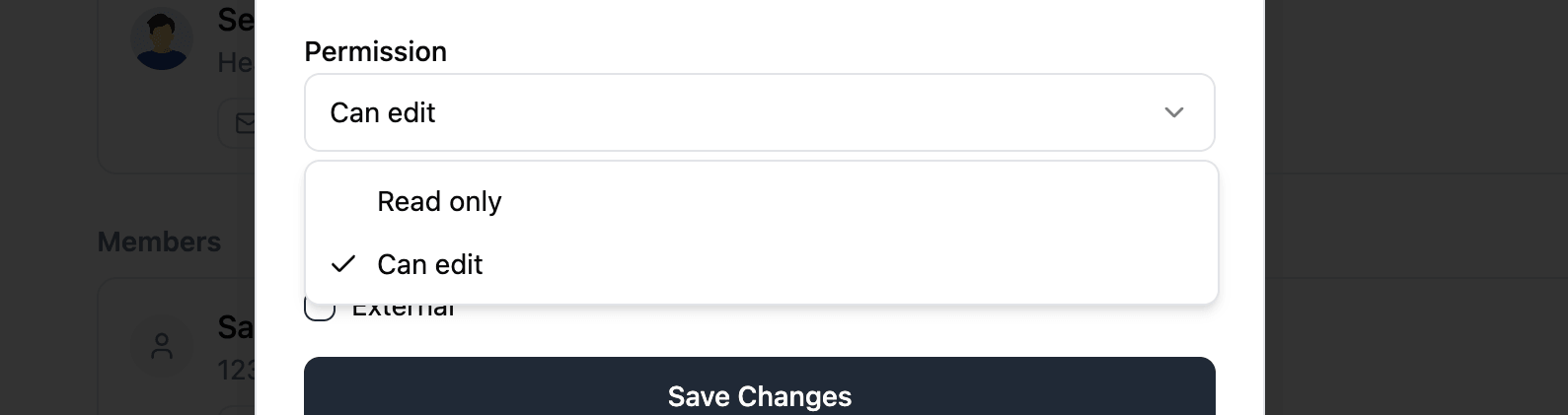
Invite your crew by email or pull them from your organization roster. Everyone gets a permission level (read or write) and can be assigned to departments. Read-only members can see everything except budget data, which keeps the financial stuff on a need-to-know basis.
Resources and file requests
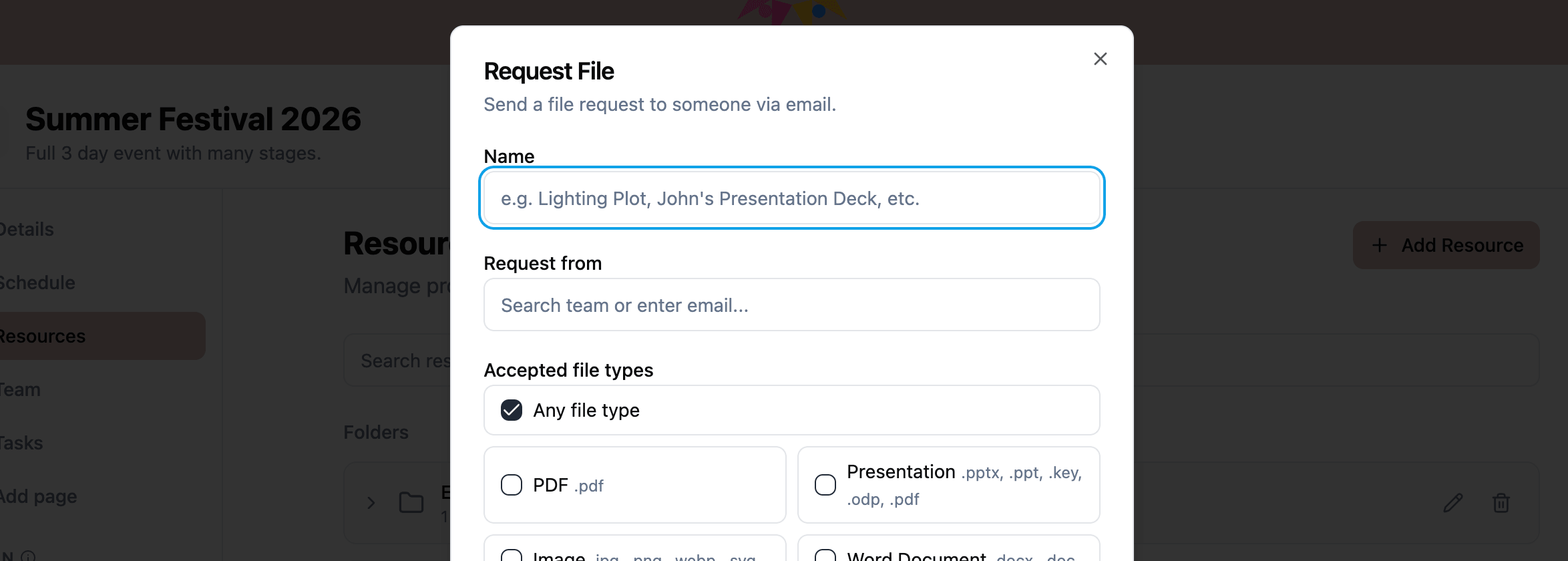
Upload files, add links, organize into folders. The file request feature is one of my favourites: send someone a secure upload link and they can submit a file without needing an account. The file just lands in your project automatically. Super handy for collecting things like headshots, contracts, or technical specs from people outside your team.
Tasks
Shared checklists for the production. Create items, add subtasks, assign who can mark them complete. You can set it so anyone can check something off, or lock it down so only the production manager can sign off on specific safety checks or approvals.
Budget tracking
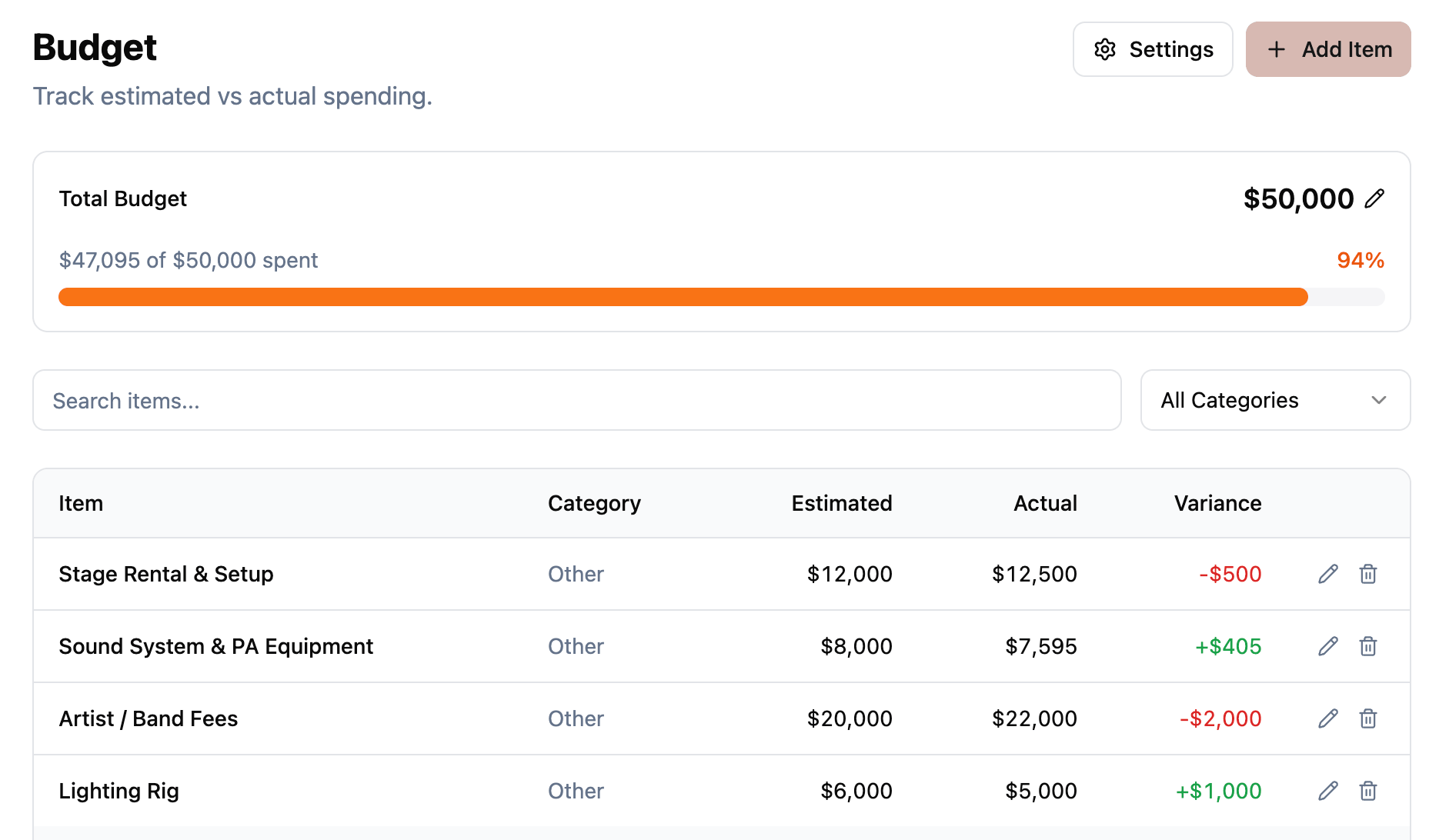
Set a project budget, pick your currency, and add line items across categories like venue, catering, equipment, talent, travel, and more. Each item tracks estimated vs actual costs so you can see where things stand at a glance.
Messaging, locations, and more
There’s also built-in messaging (so conversations stay with the project, not scattered across apps), location management with Google Maps integration, custom pages for embedding external content like Google Sheets or Miro boards, and private notes for your own personal reminders.
Organizations
If you work with a regular crew, you can set up an organization and invite your usual team. Then every new project starts with your roster ready to go. No more re-inviting the same people for every show.
Give it a try
This is just the start. We’re actively building and shipping updates, and we’d love for you to try it out on your next production. Head over to ProductionPlanner.io and create your account.
If you have any questions or feedback, we’re always around in the Discord server or you can reach out on socials. Looking forward to hearing what you think.